September 22, 2023 Release

What’s New
- New Features
-
- Platform
- Users can now monitor target FTP folder and trigger import when new file is found.
- Access Logs now tracks newly-created users created via management APIs.
- Data source owners can now choose to hide connection information and manual synchronization triggers from other viewers and admins.
- Optix
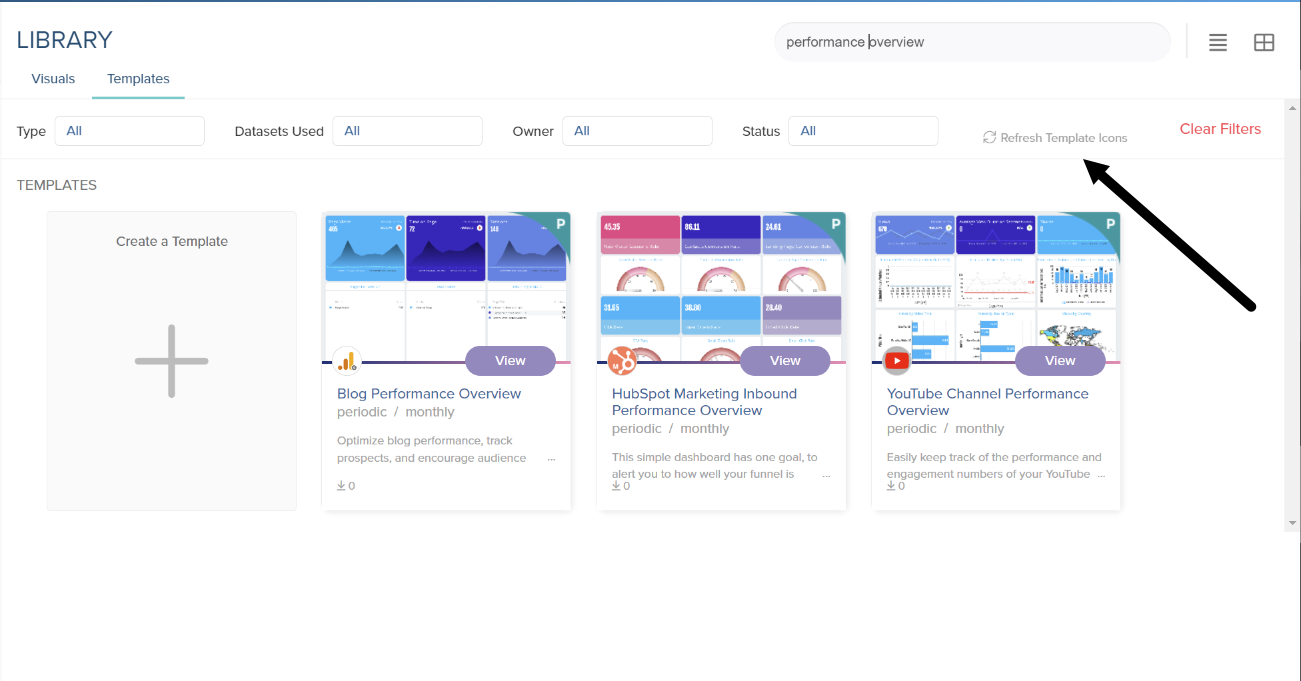
- Users can now filter templates and update only a subset of Template thumbnails, to prevent updating every available thumbnail.
- Users can build templates using demo data, which is very useful since some users may not have own integration account or data source connection to build templates.
- Design Research
- Initial design mockups were created for a simpler user experience when configuring intelligent agent measures/segments and conditions.
- Initial design mockups for the datasource invitation email format.
- Platform
-
- Maintenance
- Intelligent Agents –Date/Datetime Selection Drop-Down Improved to Avoid Overlapping Icons
- Platform – Hidden Storyboard Filter Styling for Long Text-Based Values
- Platform – Create Daily Fetch Connection for AuxCap Account Contacts Database
- Platform – Resolve Amped Embedded Analytics Cutting off Pagination
- Platform – Improve Refresh Rate of Template Images
- Platform – Template Lazy Load Logic Improvements
- Platform – Disabled Shared Links No Longer Visible to Users
- Optix – Twitter and X API Research
- Optix – Resolve Template Data Source TypeError
New Features
In this sprint, we’ve made significant improvements to our File Transfer Protocol (FTP) functionality. Admins can now enjoy the convenience of automatic file monitoring for FTP target folders, triggering imports whenever new files are detected. We’ve introduced a new schedule type called “Monitor for Files” that regularly checks for FTP changes, eliminating the need for manual initiation and reducing wait times. Additionally, we’ve enhanced data cache management to clear only when new files are imported, aligning our system with customer expectations from Supercruncher 1 FTP.
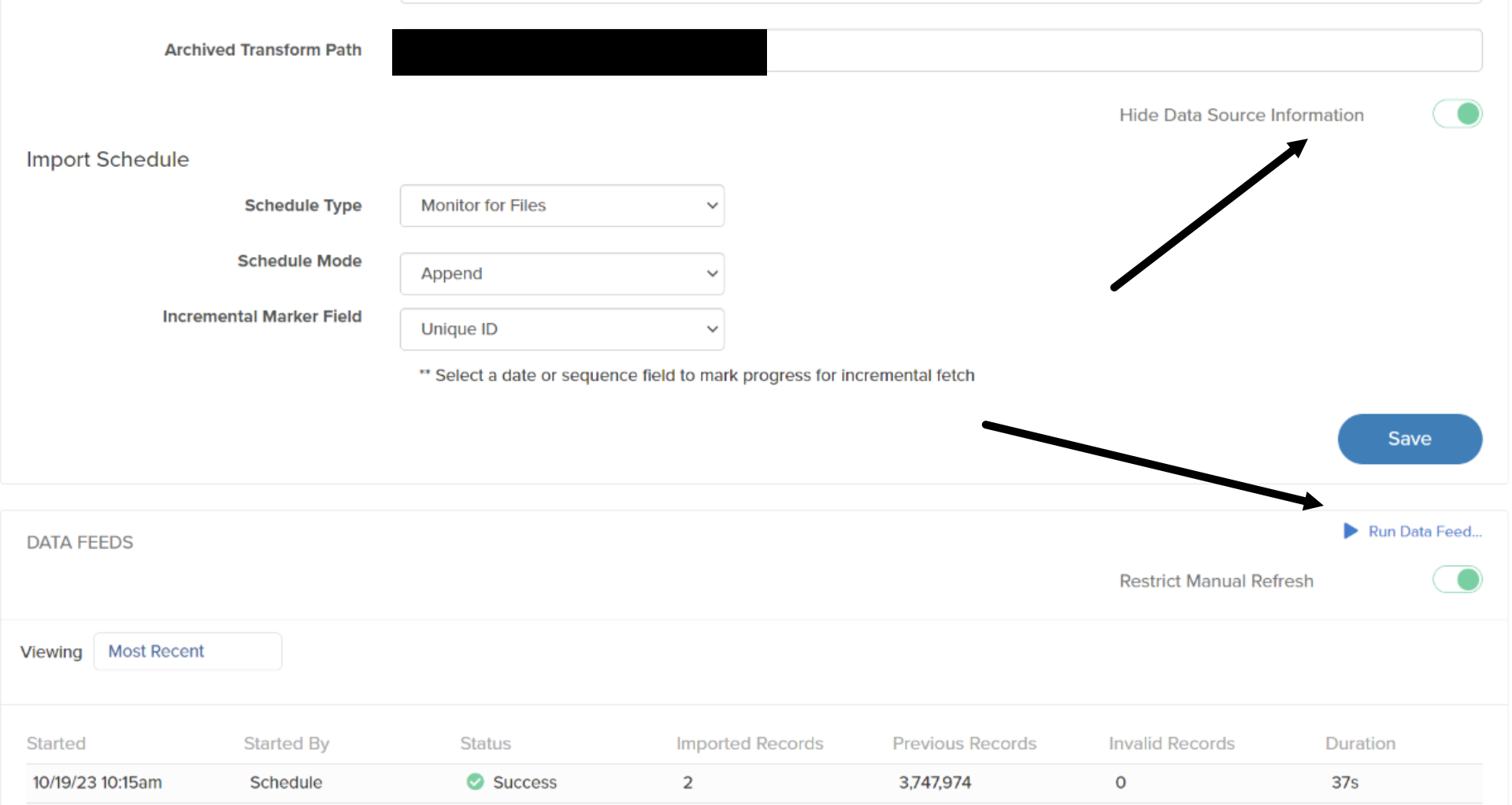
You will only see these new buttons if you are the owner of the data source.
These buttons can be found after clicking on a data source within the Data Manager, then navigating to the ‘Data Source’ tab. These new toggleable options will give data source owners more privacy, when it comes to admin tools for a data source connection.
Our platform has also seen crucial enhancements related to user access logs. Admins can now track users created via the Management API, ensuring that all user activities are logged in Nucleus access logs. This feature provides a more comprehensive view of user actions within the platform. We’ve also added a toggle option to hide sensitive data source connection information from users with limited access. This ensures that only super administrators and owners have access to details like database URLs, queries, and table names.
In this sprint, we’ve improved the user experience for report editors and data source owners. Report editors now have the flexibility to update a subset of template thumbnails, making it more efficient to refresh only recently modified templates. We’ve also introduced a demo data organization, allowing users to build new templates using demo data without the need for their own integration accounts or data source connections. Lastly, we’ve began designing a simplified process for configuring intelligent agent measures and conditions, making it more user-friendly, especially for newcomers. We have also drafted a few new mockups for the datasource invitation emails, such as new email templates and also a reworked layout. These changes contribute to a more streamlined and productive experience for all our users.