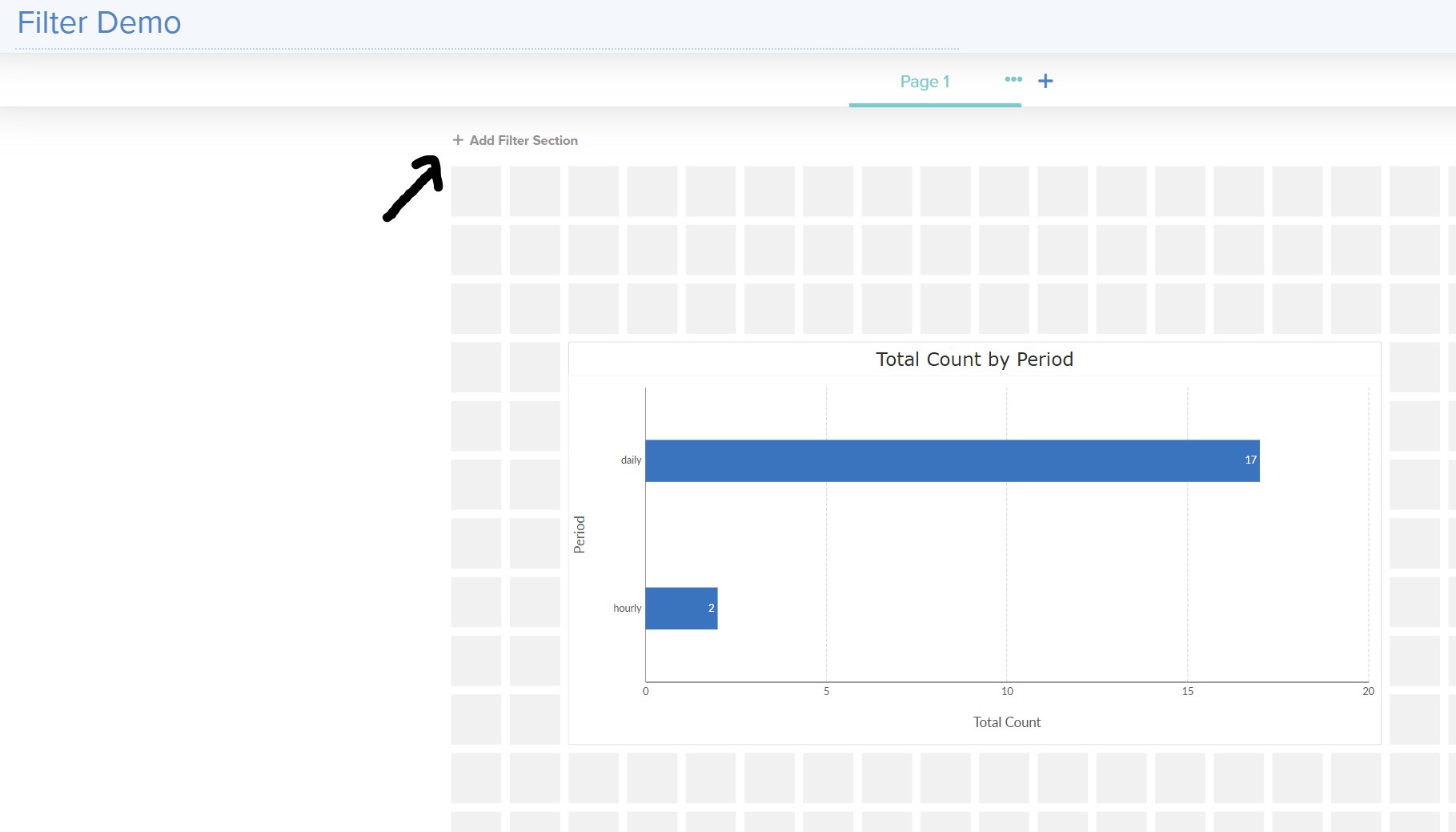
There are quite a few different ways to filter data in the Storyboard editor.
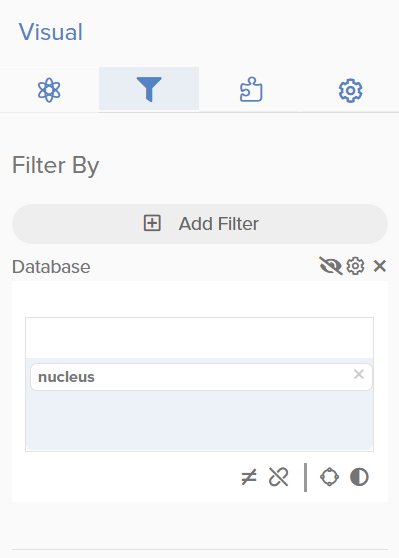
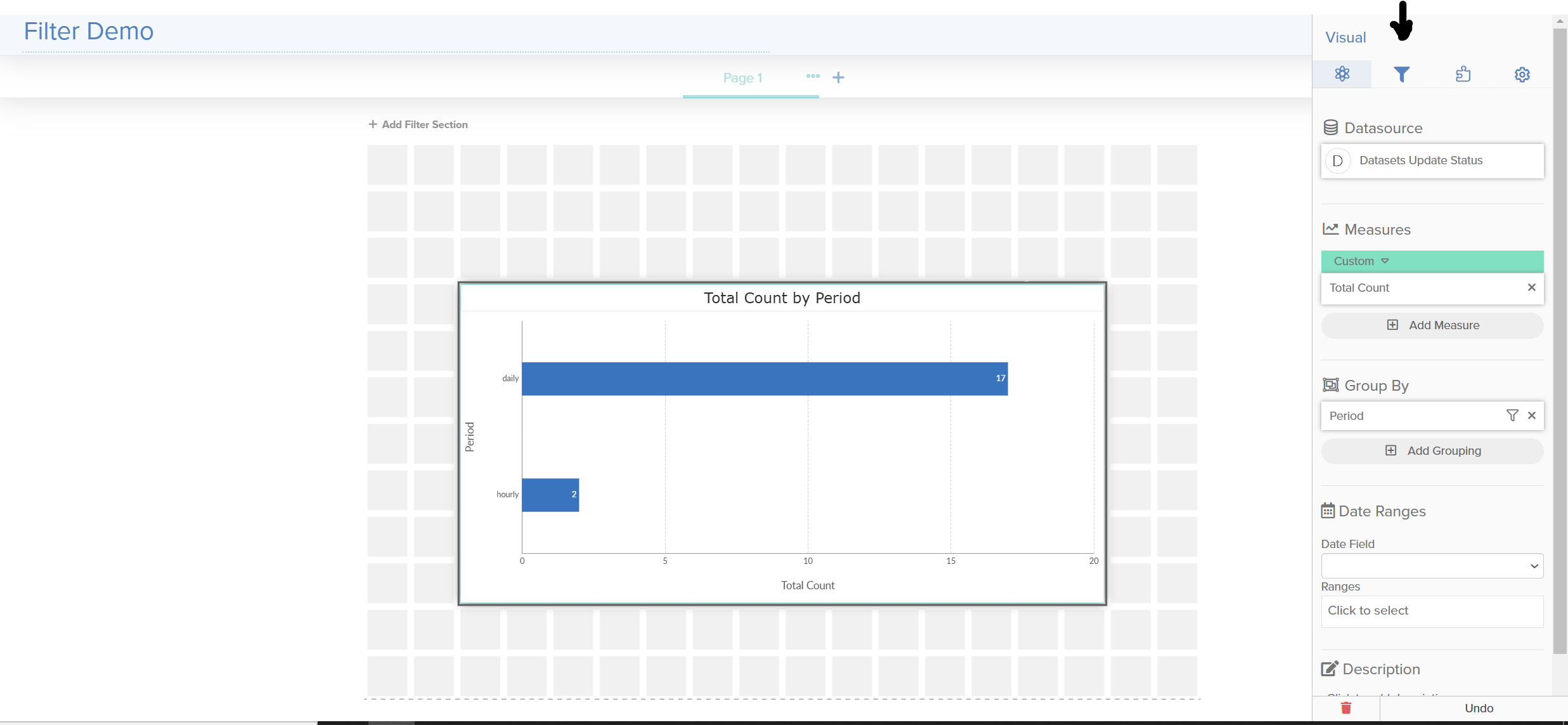
The most simple implementation is filtering an individual visual. This filtering method can be found after clicking a visual on in the Storyboard editor:
On the left side of the screen, there is a filter option as well. If you click this filter icon, you have the ability to filter an individual Storyboard page or the entire Storyboard as a whole.
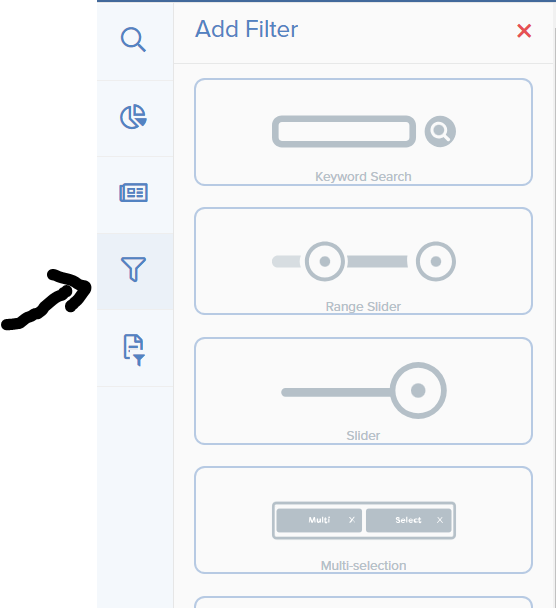
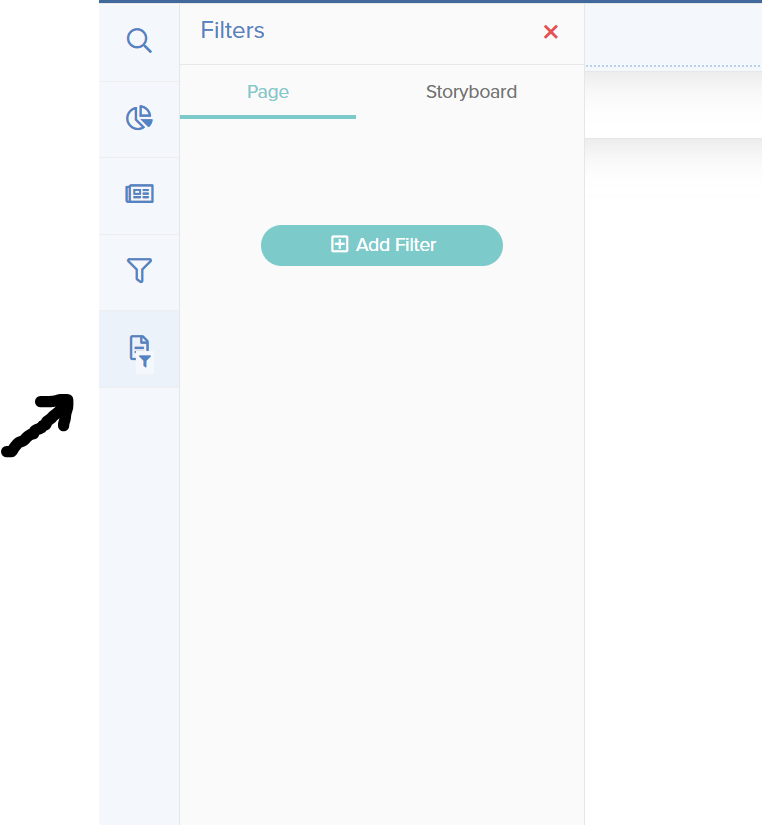
Note: make sure to place a visual on the board first before using these filters!
There is also a nice “add filter section” button on the Storyboard editor if you are looking for more space to add filters on the page.