
Dummy Data
How to mockup data values
Dummy Data is a useful feature when working with templates and visuals, but have data you want to hide or the resulting data is not viable for the visual.
In the visual library editor, after selecting a visual and a datasource you can use this button below: 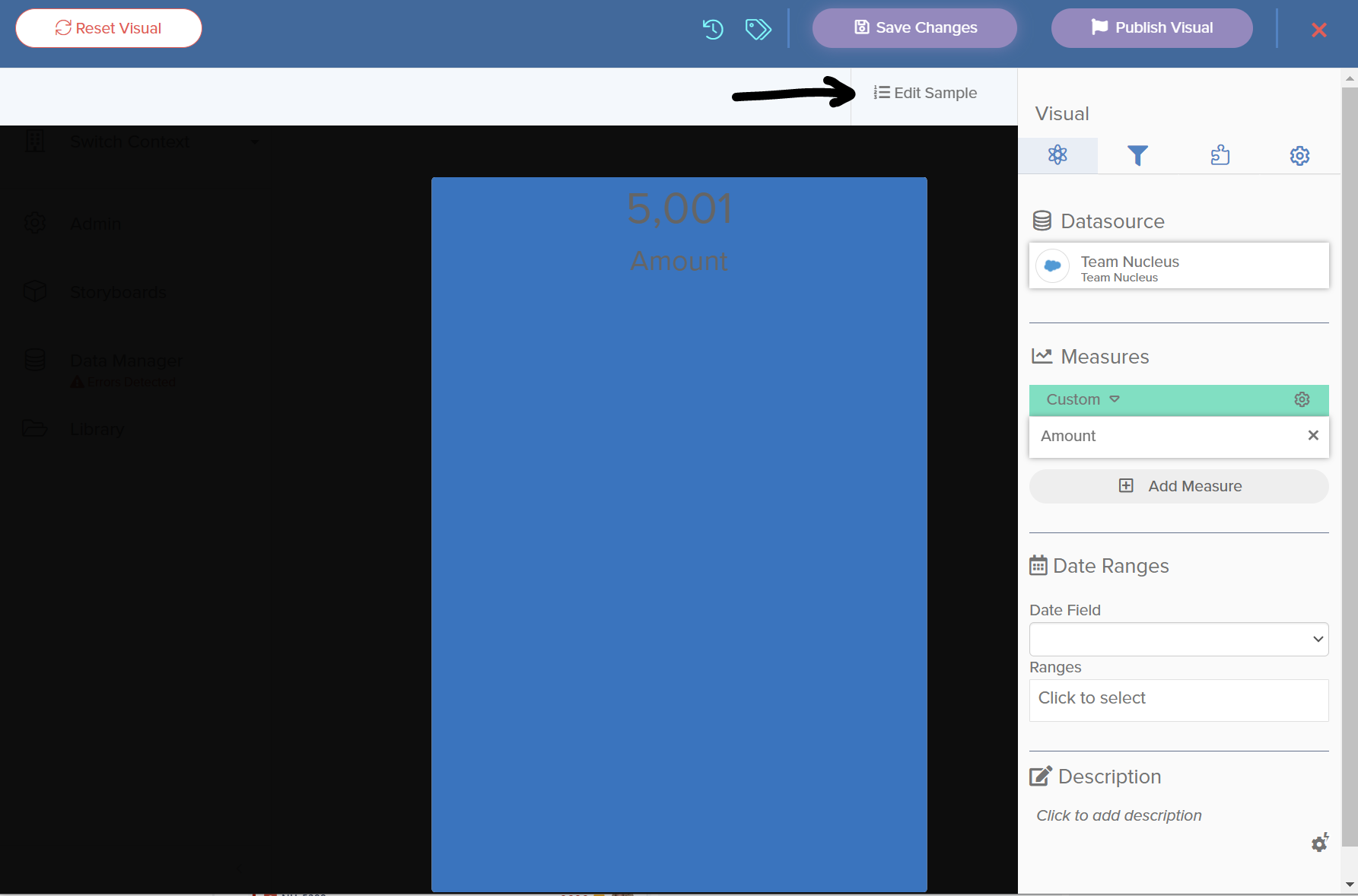
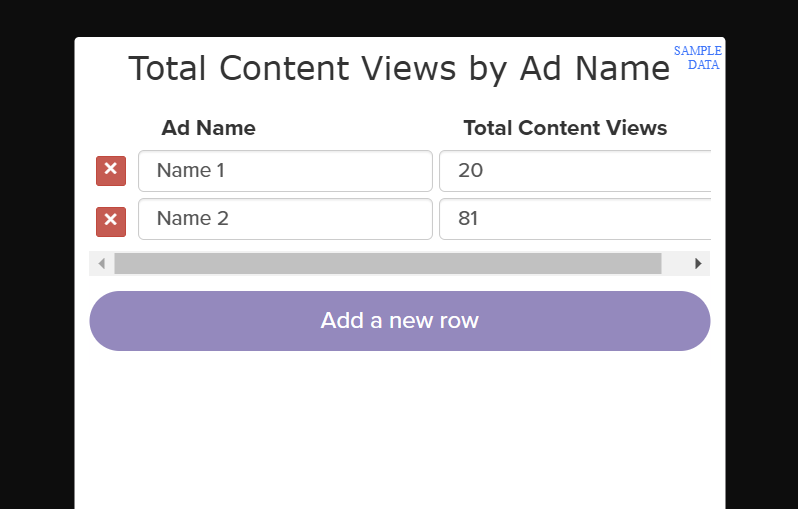
As you can see in the second image above, you are able to specify the names and views for a pie chart, and then save those values. This is a great feature if you have a datasource connection without any viable data but want to build a visual!
Works with templates too.
It is also a feature when making a new template for visuals as well.
When hovering over a visual, in the bottom-right-hand corner you will see a 3 bar icon. Clicking that icon will allow you to type in “fake” data to help mock up a visual.