
If you are an admin in your application or organization, you may want to provide access to other users to SOME but not ALL of your Storyboards. In this case, sharing the Storyboard down to an organization or group may be the best solution!
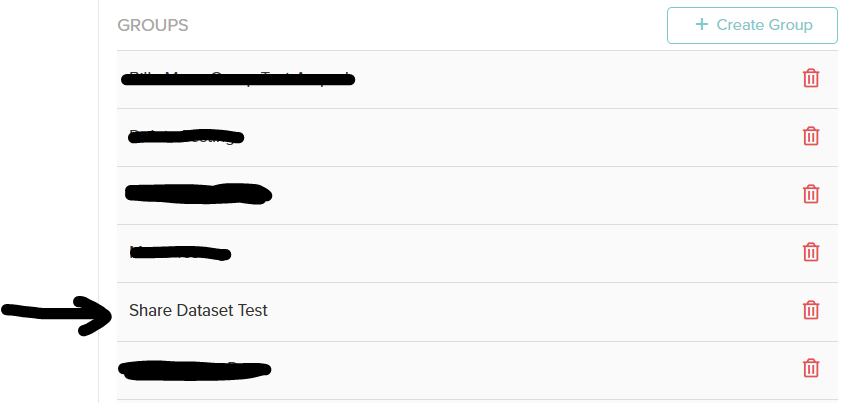
First, find the organization or group you are trying to share a Storyboard to and click the group/org:
Next, click the ‘Shared Storyboards’ toggle:
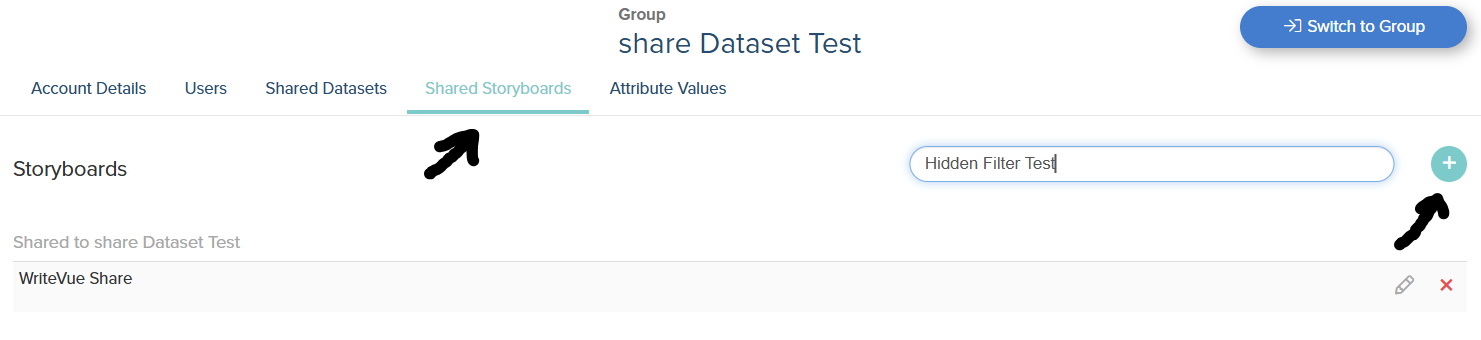
After typing in the name of the storyboard, be sure to press the “+” icon! It should appear in the “shared to” section, such as the “WriteVue Share” storyboard in the image above!