
If you are an admin in your application or organization, you may want to provide access to other users to SOME but not ALL of your data. In this case, sharing datasets down to an organization or group may be the best solution!
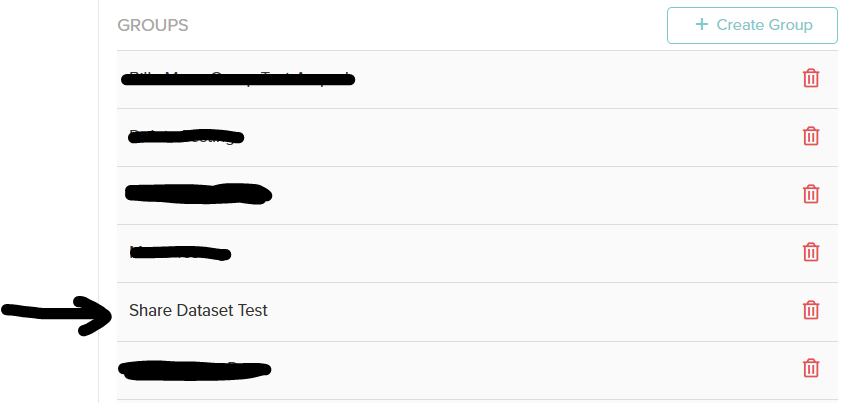
First, find the organization or group you are trying to share a datasource to and click the group/org:
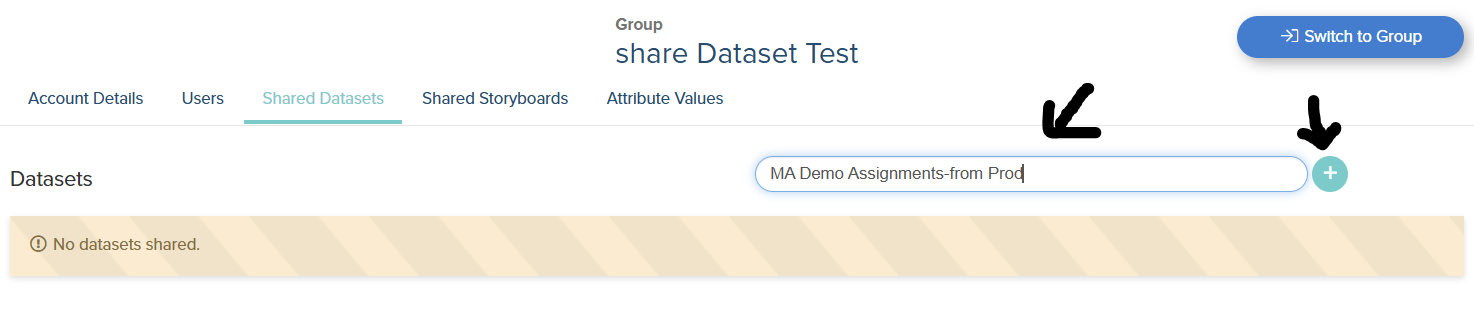
Next type in the datasource and click the “+” icon
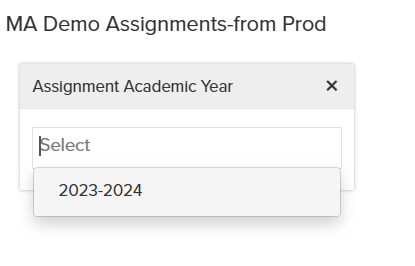
After sharing the data source, look for the “unfiltered” icon to specify what filtered data you want to share

Whatever data is shared will appear for users in the organization/group:
Note: the ‘Create Charts’ toggle will allow users to make new storyboards with this shared data in their org/group:

If the filter is highlighted green, you have added it successfully!