
March 18, 2024 Release

What’s New
- New Features
- Platform (Customize Result Columns in Full Data Explorer, Remove Export Files after 48 hours)
- Platform (Shared Dataset Filters Support System Attributes)
- Optix (Multi Headlines Support Demo Data, Signup Subscription Improvements)
- Maintenance
- Platform – Intelligent Agent Embedded Table Column Hold Sort Order
- Platform – Intelligent Agent Conditions Now Display Dataset Type Automatically
- Platform – Intelligent Agent Subscriptions Shown Only For Selected Application
- Platform – Resolved Week/Date Visuals Failing to Group By Date in Storyboard
- Platform – Remove Previously Exported Files From Export Page After 48 Hours
- Platform – Improve Overall Styling of Date/Datetime Fields in Full Screen Data Explorer
- Platform – Remove Additional White Space From Full Screen Data Explorer
- Platform – Fixed Filtering Second Page of a Raw or Grouped Table Loading Zero Results
- Platform – Updated Stripe API
- Platform – Improved Data Source Folder User Experience
- Optix – Sharing Storyboard Snapshot Links No Longer Fail to Send
New Features
In this release, there were a lot of upgrades and improvements made to both Optix onboarding, full screen data explorer, and shared dataset filters.
In the full screen data explorer, there were quite a lot of improvements made to the overall functionality as well as bug fixes and enhancements to the UI. One major new feature released this sprint to the full screen data explorer is custom measure ordering. Users are now able save a custom ordered results view for better usability within the data explorer. Here is a quick demo of how to use the new “gear” icon in the full screen data explorer:
Note: if you would like to request access to the new full screen data explorer for one or more of your datasource connections, please contact: support-nucleus@vantage.com
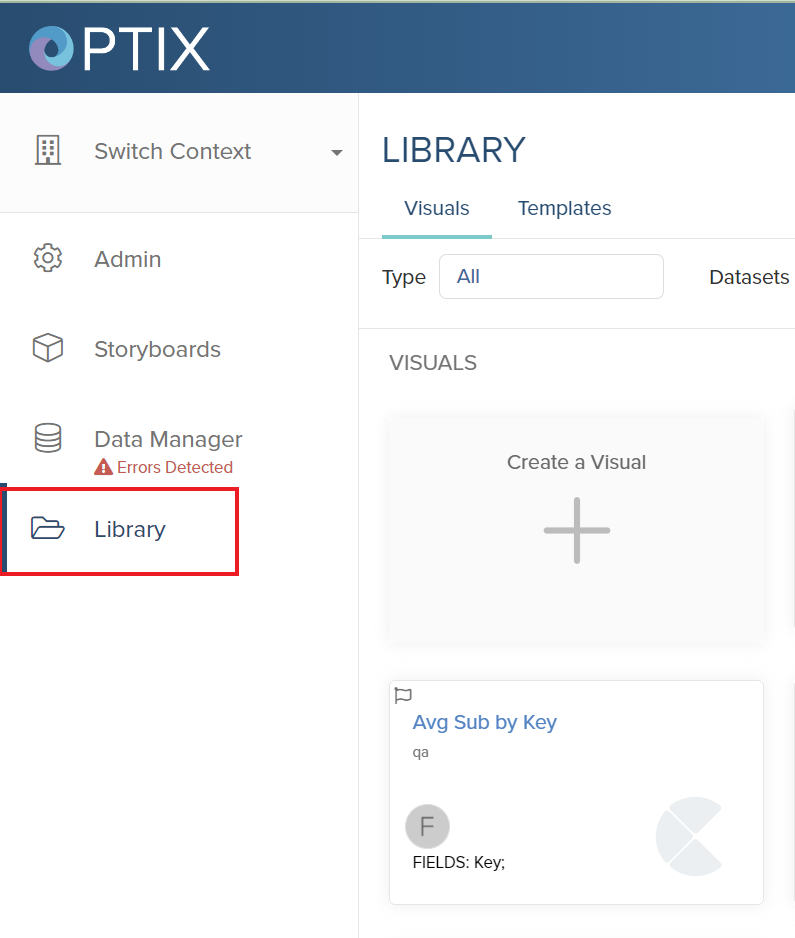
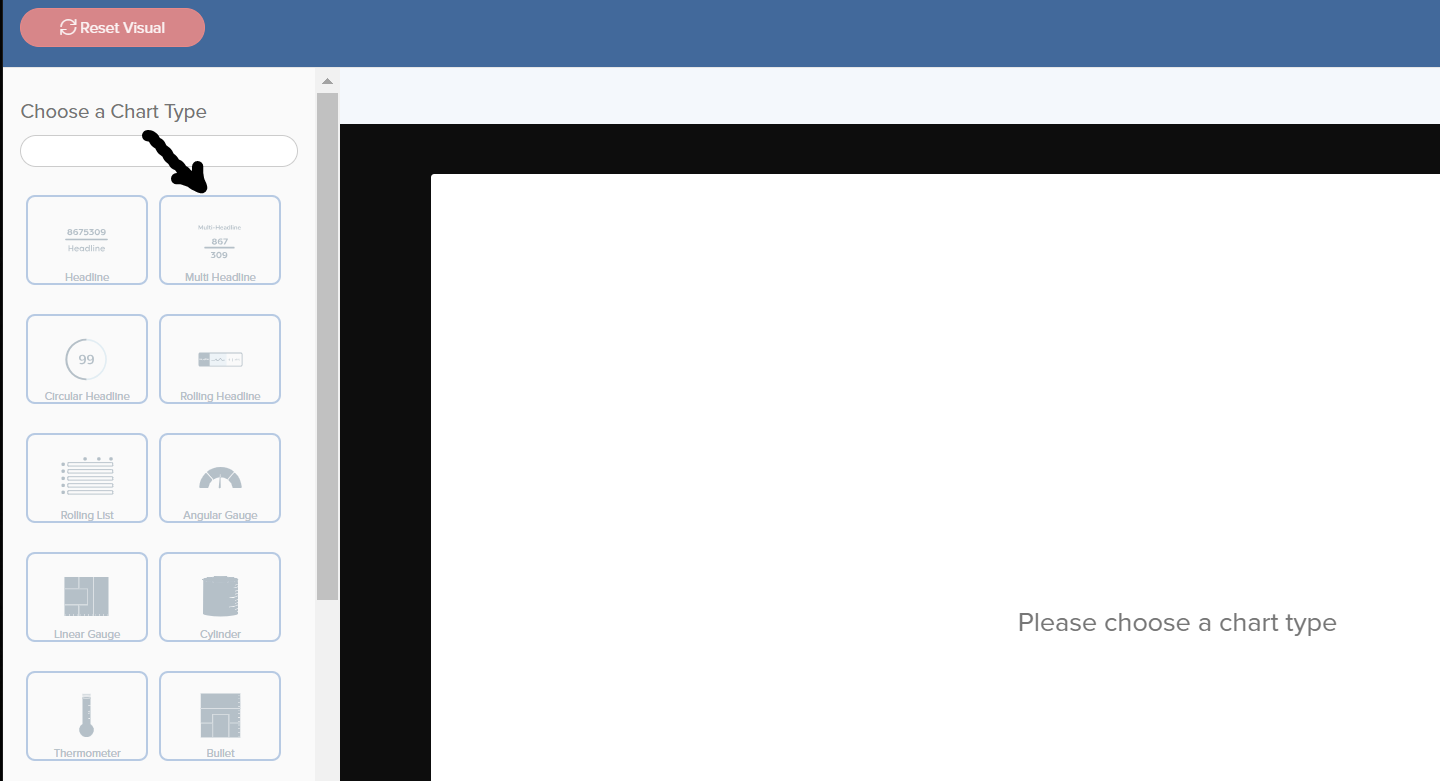
We also added support for multi headlines in the visual library. To access the visual library, first visit the library tab on the left side of the screen.
During this sprint, there were a few styling changes and updated images added to Optix and the social-sign up pages, including:
- Improved styles and default values during upgrade screen.
- Improved the logic of the welcome email social sign ups
- ‘Change Plan’ text now matches the overall UI
- Expired and trial banners lead directly to upgrade screen
A few other small improvements include:
- Export files accessed via the top right toolbar (see image below) now clears old file exports after 48 hours, in order to reduce confusion when looking for recently-downloaded files.
 Improve Overall Styling of Date/Datetime Fields in Full Screen Data Explorer
- Updated Stripe API
- Improved Data Source Folder User Experience
- Intelligent Agent Embedded Table Column Hold Sort Order
- Intelligent Agent Conditions Now Display Dataset Type Automatically
- Intelligent Agent Subscriptions Shown Only For Selected Application