
February 15, 2024 Release

What’s New
- New Features
- Platform (Date/Week Group By Range Toggle)
- Platform (Access Logs Expanded Functionality, Automatically Remove Inactive Users)
- Platform (Remove Inactive Users and Shared-Down Duplicate Data Sources)
- Improvements (Sparkline, Slider, Info Buttons)
- Maintenance
- Platform – Improved Parsing Functionality of Storyboard Filters
- Platform – Database Upgrades
- Platform – Resolved TypeErrors When Copying a Visual in a Storyboard
- Platform – Storyboard Visual Record Limit Updates Save As Intended
- Platform – Deleting Measures on a Raw Table No Longer Shows Number of Rows
- Platform – Removed Extra Spaces in Year/Month Visual Combinations
- Platform – Tabbed View of User Tools No Longer Cuts Off ‘Days Left in Trial’ UI
- Platform – ‘Created By’ Dialogue Parsing and Styling Text Improvements
- Platform – Allow Users to Delete Push Notifications in Sent Messages Tab
New Features
In this release, there were a lot of upgrades and improvements made to both access logs and how our Storyboard visuals handle date/week ordering.
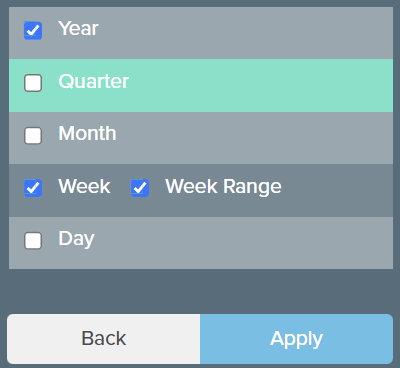
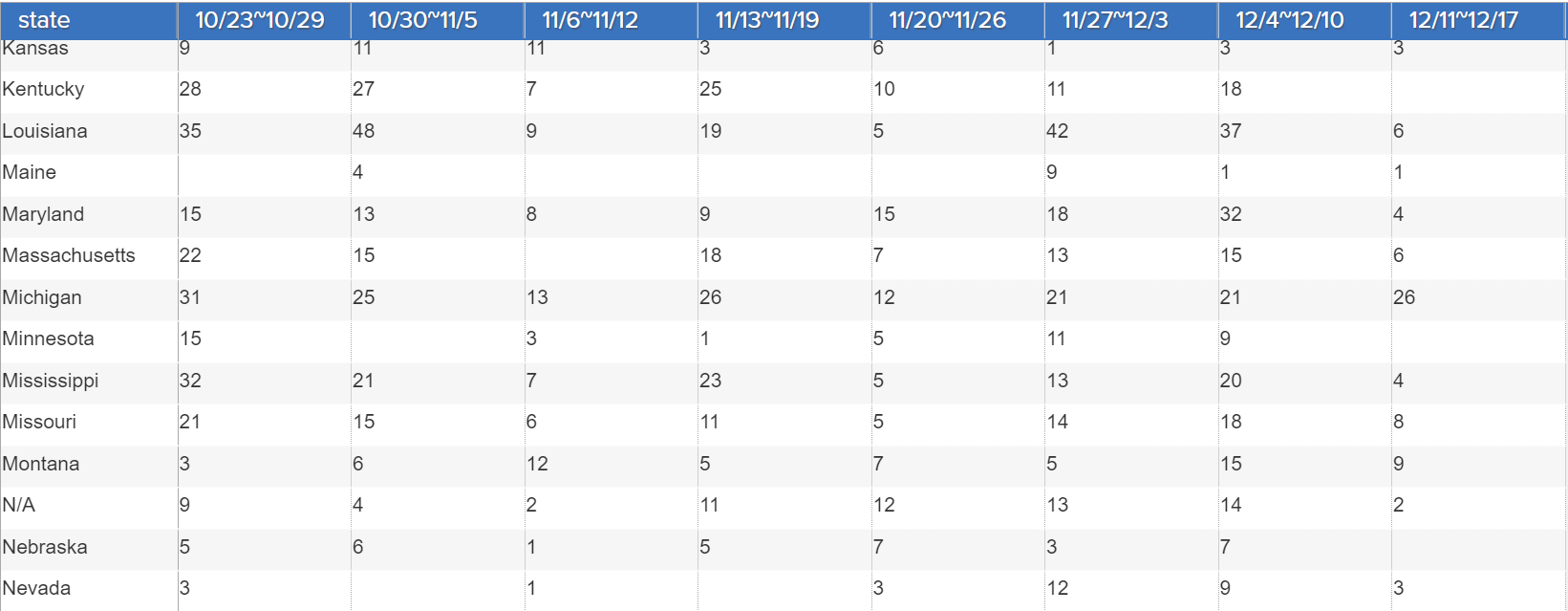
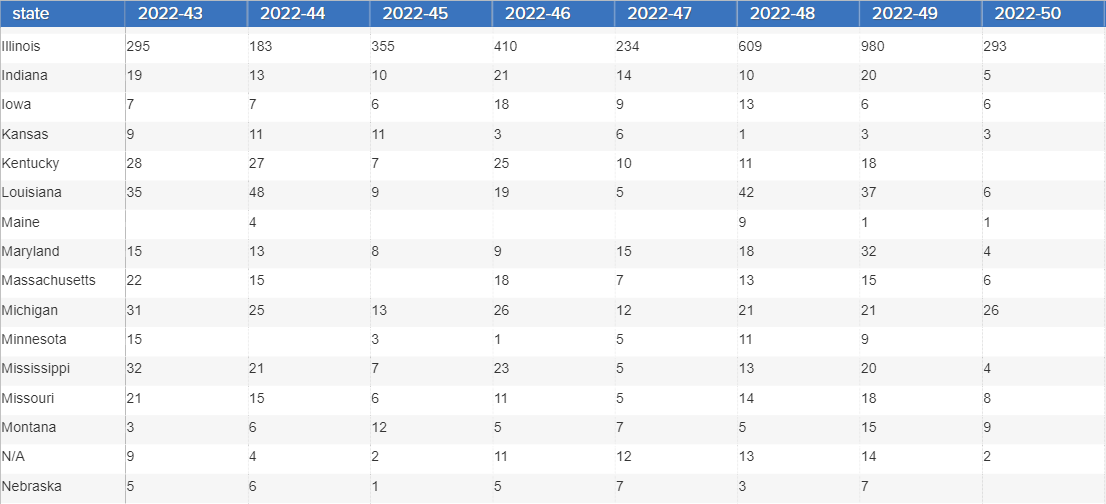
When building visuals in the Storyboard editor, users are now able to select the week range option when creating a unique group-by for a visual. This week range option will allow users to view their visual with additional clarity.
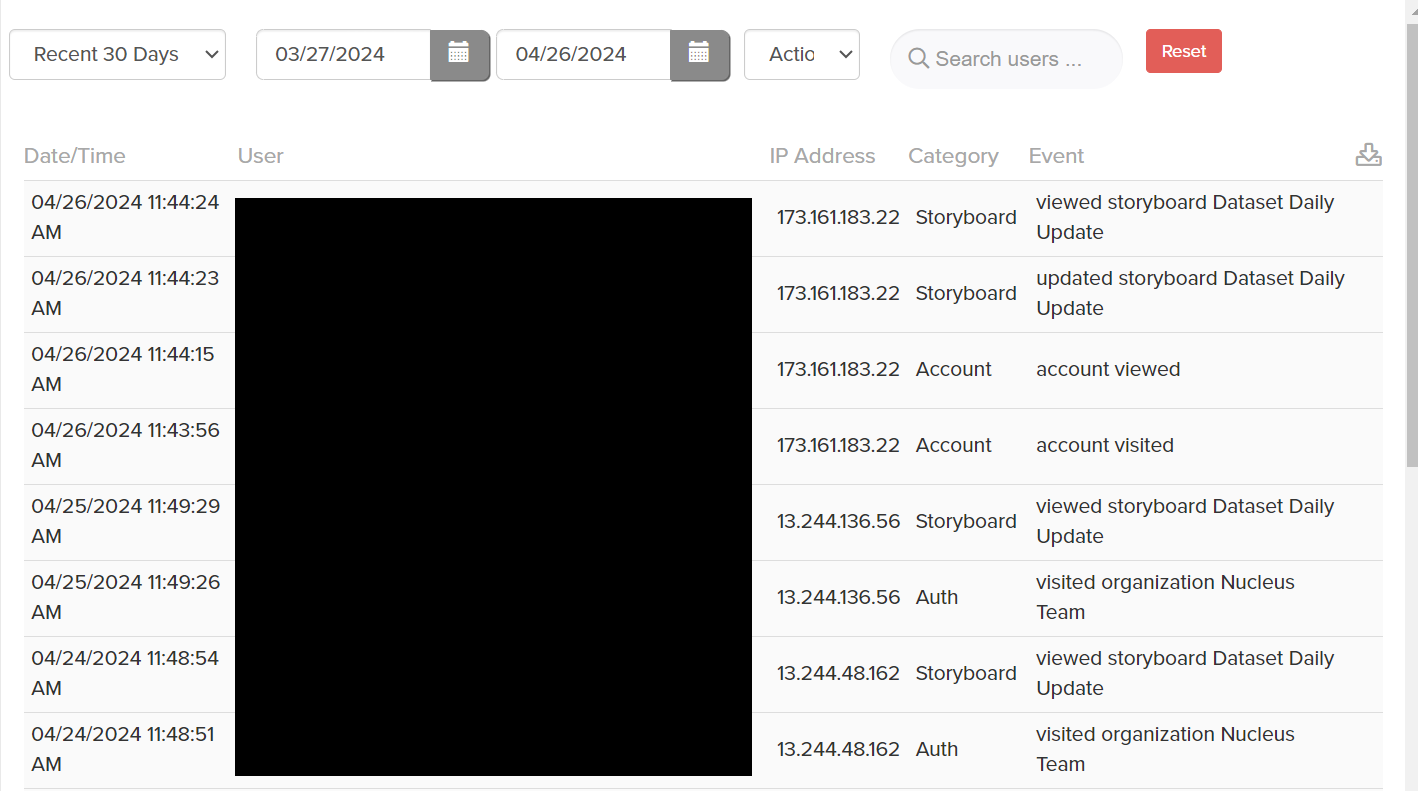
Admins will also notice that new access log features were added this sprint, such as the ability to track unique events such as datasource updates and Storyboard progress. There were also a few improvements made to the user experience when navigating the access log UI, such as centering the page buttons to reduce any shifting buttons and also adding a short delay between each filtered click, to prevent users from accidently skipping a page. Other new features and improvements include:
- Storyboard usage and data source usage popups now have matching styles.
- Added session logout/timeout capture as a new metric to be tracked.
- Added template, data source, visual, intelligent agent creation/update events as new events.
If you have any questions or encounter any problems, please contact: support-nucleus@vantage.com