
January 23, 2024 Release

What’s New
- New Features
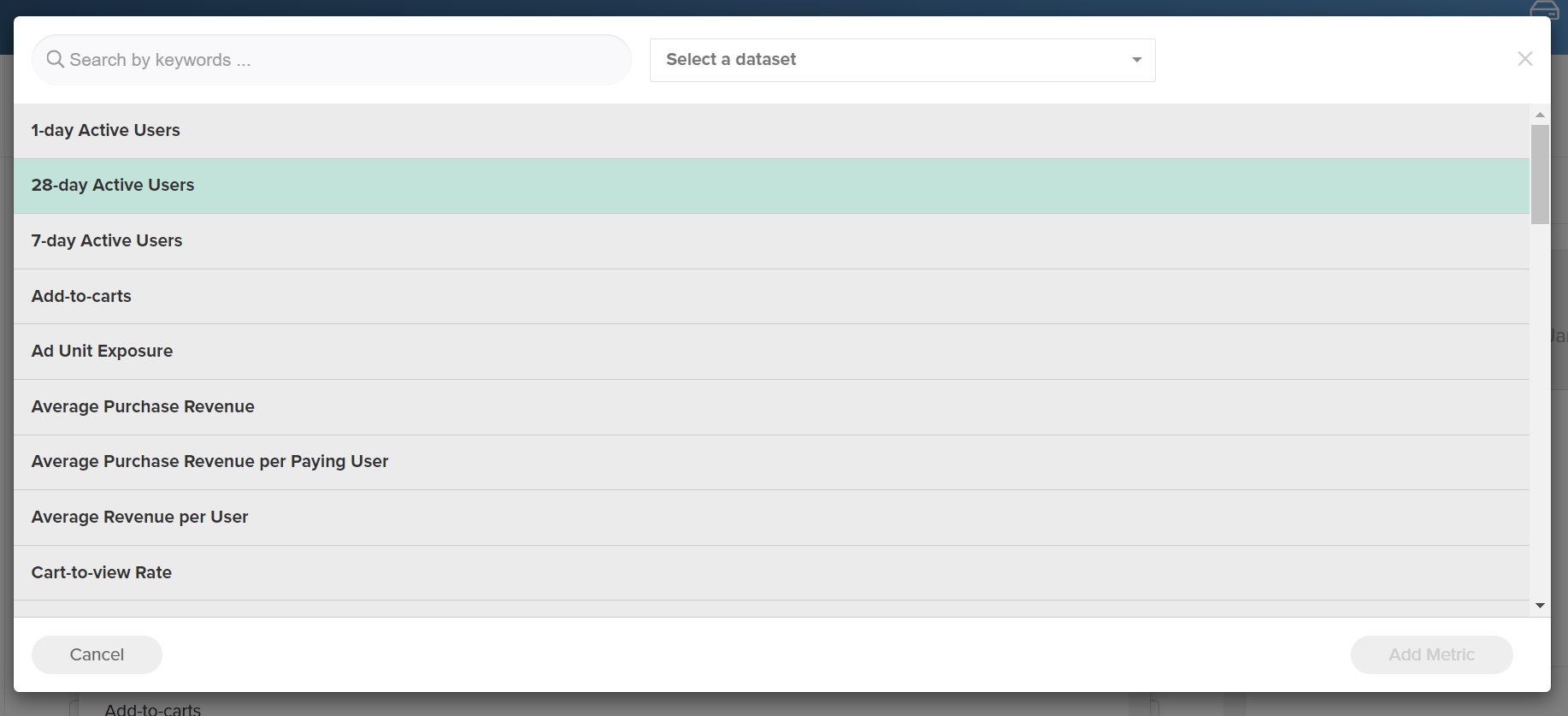
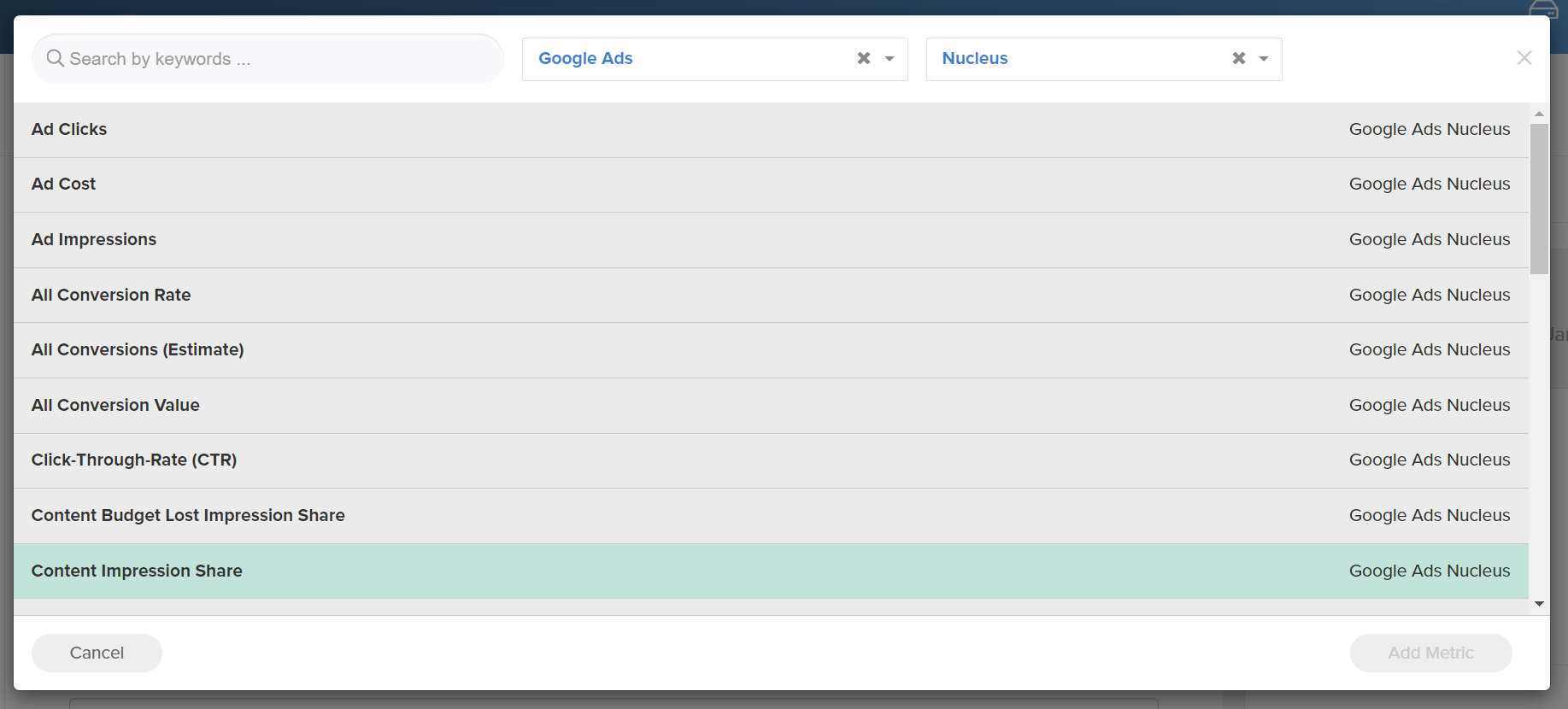
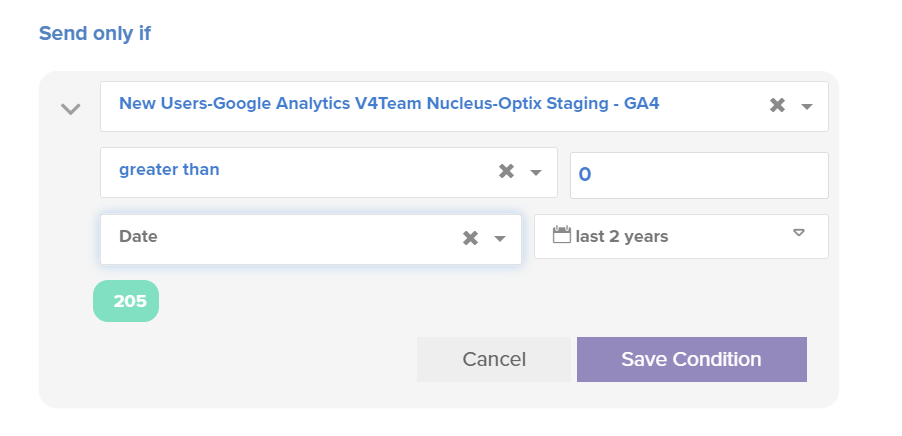
- Platform (New IA Conditions Interface and Improved Popup Dialogues)
- Platform (Prioritize Jobs in Queue, Increase Parallel Processing)
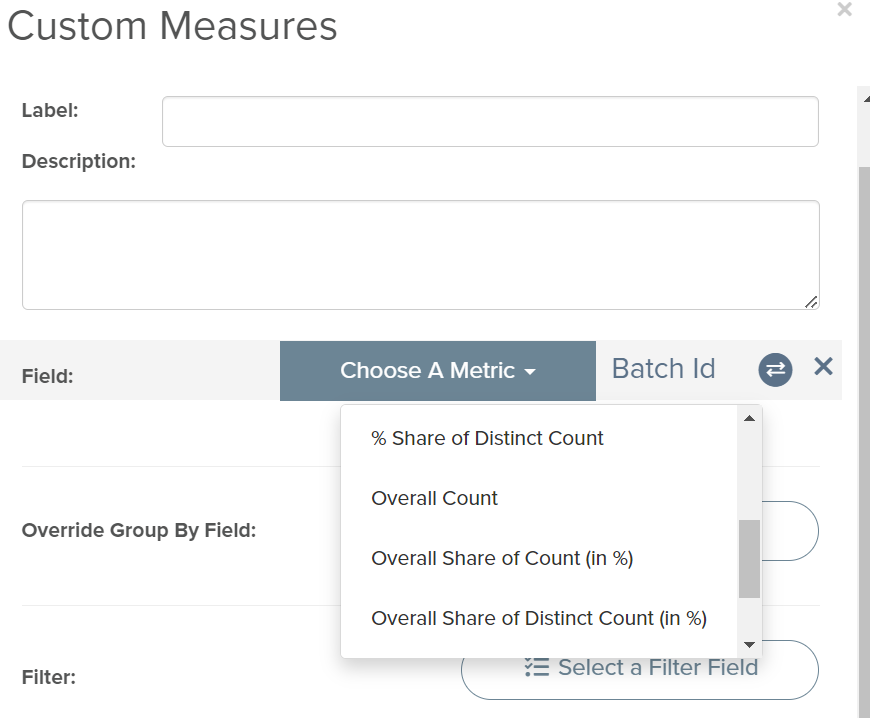
- Platform (Distinct Count and Share of Overall Distinct Count Added As New Available Metrics)
- Platform (Ability to Clear All Notifications)
- Platform(Added Storyboard Update Logs to Access Logs)
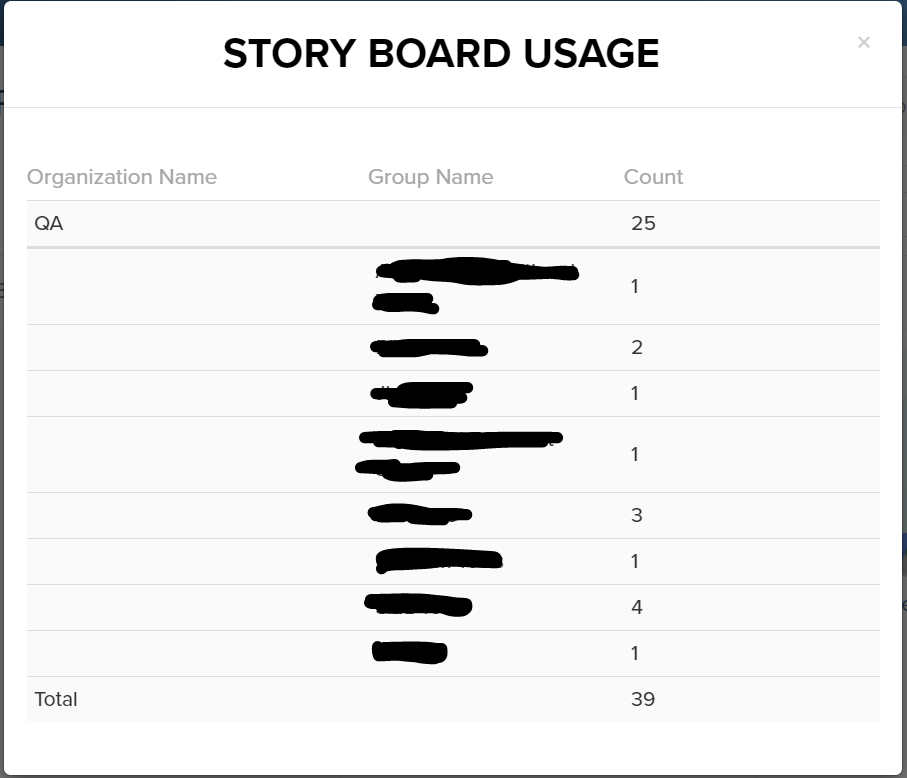
- Optix (Specify Usergroup / Organization in Storyboard Usage)
- Maintenance
- Platform – Hide Section Titles When No Results Appear
- Platform – Hide Abstract Datasets From Template Filters
- Platform – Template Filter Counts Update After Each Filtered Selection
- Platform – Trial Users Have Notification Popup Despite Having Zero Notifications
- Platform – New Social Media Connections Fail to Connect on Staging
- Platform – Update ‘Data Source Created’ Message Dialogue
- Platform – Improved Logic of Data Explorer Alphabetical Sorting
- Platform – Segment Clears When Changing Data Source Visuals
- Optix – Updated Optix Trial Service Plan Default Settings
New Features
In this release, our main priorities were fine-tuning the user experience for Intelligent Agent conditions, improving the queue and prioritization speed for FTP and file uploads, and providing a clearer breakdown of storyboard and data source usage across organizations and groups. We also added a few quality of life improvements to the platform as well, such as a “clear all” button for notifications, a new “storyboard update” event within the access logs, and two new metric types within the custom measure builder.
Our team gathered a lot of Intelligent Agent user feedback after the most recent release and focused primarily on improving the the condition builder. There are too many improvements to list, but a few notable changes include:
- Implement the new single sub-page for selecting a measure and a segment.
- Show all conditions for the selected measure and segment.
- Preview is populated based on the selected measure.
If you are an owner or an admin of a group or organization, you will notice a clearer breakdown of storyboard and data source usage for your groups. Here is an example of the new view:
A few other places you will see new features include:
- While building a new custom measure, feel free to experiment with the new metrics added, such as overall share of distinct count.
- If you have many notifications you are attempting to clear at one time, we have now added a “clear all” notifications button.

If you have any questions or encounter any problems, please contact: support-nucleus@vantage.com